Using AppPlaceholder with Server Components and Client Components
Update
Sitecore has updated their documentation to include this.
Original Post
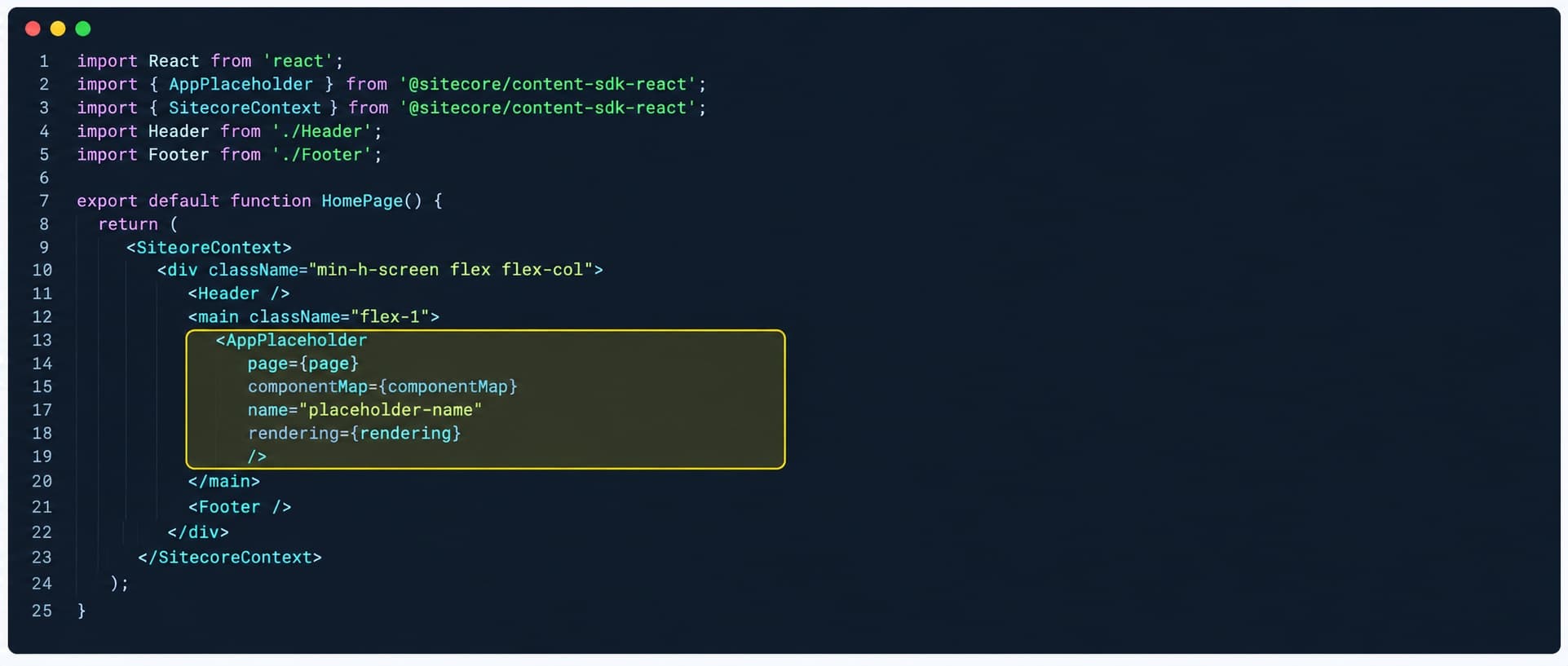
Switching to the App Router allows for Sitecore components to be either Server or Client Components. This change brings a new placeholder component, the AppPlaceholder. There are a few considerations for using AppPlaceholder not covered in the documentation.
Server vs Client Components
The AppRouter brings with it the ability for components to be either a server component or a client component.
A server component is rendered on the server and not included in the client bundle, shrinking the JavaScript payload. The trade off is that server components cannot use hooks (useState, useEffect, ...) or browser APIs. server components are the default.
A client component is rendered on the server initially and then hydrated and run in the browser. They are included in the client bundle and can use hooks and browser APIs. client components are opted into by using the "use client" directive.
AppPlaceholder in components
Both server and client components can use AppPlaceholder. The difference is what is passed to the componentMap parameter. The server component imports the component map from component-map.ts and client component needs to import the component map from component-map.client.ts. The difference between these two maps is that component-map.ts includes server and client components while component-map.client.ts only includes client components.
This means that AppPlaceholders in client components can only contain other client components. If a content author is allowed to place a server component into a placeholder rendered in a client component, it will not be found in the component map.
The Workaround
The workaround is to convert the client component into a client helper that is wrapped by a server component. First we pull the client component code, including the "use client" into a separate helper react component file. We can then use the AppPlaceholder and pass it to a helper.
Example
First, we need to create the proxy that copies the parameters into the headers.
"use client"

import { AppPlaceholder } from '@sitecore-content-sdk/nextjs';
import { componentWithContextProps } from 'lib/component-props';
import componentMap from '.sitecore/component-map.client';

export function SitecoreComponent({ page, rendering }: componentWithContextProps) {
  ...
  return (
    ...
    <AppPlaceholder
      page={page}
      componentMap={componentMap}
      name="placeholder-name"
      rendering={rendering}
    />
    ...
  );
}
This is broken into two files.
"use client"

export function ClientHelper({ placeholder }) {
  ...
  return (
    ...
    {placeholder}
    ...
  );
}
import { AppPlaceholder } from '@sitecore-content-sdk/nextjs';
import { componentWithContextProps } from 'lib/component-props';
import { ClientHelper } from '...';
import componentMap from '.sitecore/component-map';

export function SitecoreComponent({ page, rendering }: componentWithContextProps) {
  return (
    <ClientHelper placeholder={
      <AppPlaceholder
        page={page}
        componentMap={componentMap}
        name="placeholder-name"
        rendering={rendering}
      />}>
  );
}
Conclusion
The server component handles the rendering of the placeholder and the client helper handles the client interactivity.